ESD Car 2.0 - Setup guide
ESD (Eco-System Demonstrator) Car 2.0
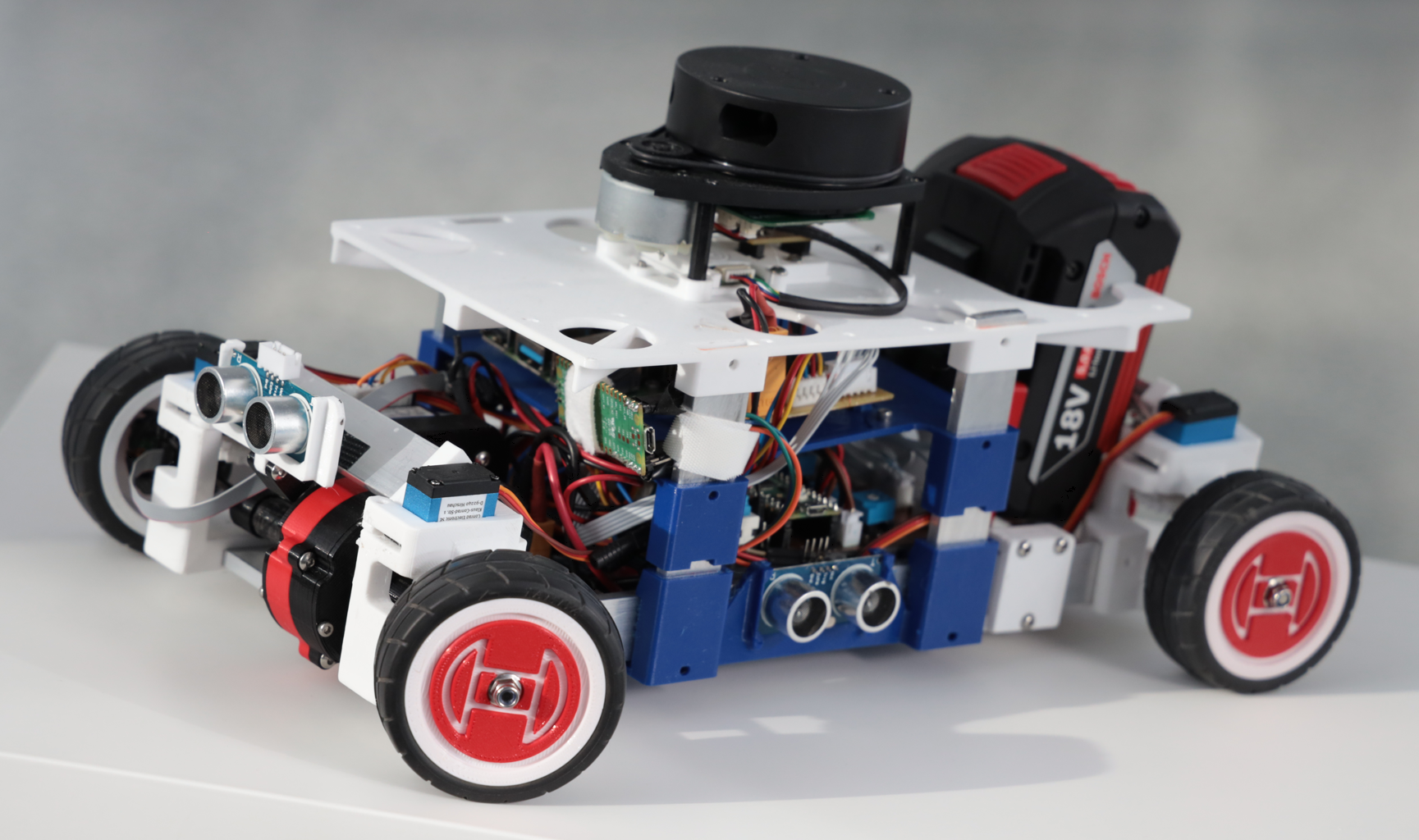
Step by step instruction
Recommended main tools
3D-printer and corresponding software for slicing and printing
Soldering-station
Toolbox with screwdrivers and pliers
KiCAD Version 7.0.x: Open Source software for electronics and printed circuit board (PCB) designs
Details of these tools are provided in the aforementioned chapters.
"ESD Car DIY Bundle" - Resources provided
The ESD Car DIY (Do It Yourself) Bundle includes a set of artifacts, like 3D printing models, PCB designs or software for running the ESD Car, is provided together with this documentation.
Here following the folder structure and content provided with the ESD Car DIY Bundle:
setup-guide/ → This documentation
mechanics/ → 3D-models for 3D-printing and assembling the vehicle
electronics/ → PCB files for the electrical buildup
software/ → Binaries and source code for the Pico, the RaspberryPi and other scripts for setting up, calibrating, and remote-controlling the ESD Car.
The ESD Car 2.0 - Setup guide (i.e. this page and all included pages) is under the CC BY-NC-SA 4.0 license.